

Using teaching rooms
When using a teaching room, you are responsible for following the rules for the room and leaving it in good order for the next group. Here you can find information about access, timetables, logging in, capacity, furniture layouts, equipment and reporting faults.
These rules apply to centrally administered rooms. Rooms managed by individual departments may have different procedures.
Access to the room
You can access the room using your SU access card and your personal four-digit PIN. Access cards are ordered by the person responsible for keys and access cards at your department or office.
Check the room timetable
A QR code and web address are displayed outside each centrally administered teaching room, showing the room timetable for the next five hours.
Screens showing room timetables are also available at selected locations at Frescati and Albano.
If there is any disagreement about who is entitled to use the room, the timetable in TimeEdit applies.
Log in to the lecturer's computer
Centrally administered teaching rooms have a lecturer's computer that can be used for presentations.
- University teaching staff log in using their university account.
- External lecturers and guest speakers can obtain login details from Service Centre.
Observe the room capacity
The number of people in the room must not exceed the capacity stated in TimeEdit. The capacity is determined on the basis of ventilation and safe evacuation requirements.
Leave the room on time
Finish your activity in good time so that you have time to restore the room. The room must be vacated no later than five minutes before the end of the booking.
Furniture layout
All teaching rooms have an image showing how the tables and chairs should be arranged.
- Do not move furniture between rooms.
- If you have rearranged the furniture, make sure it is returned to the correct layout.
- Always follow the instructions in the room you are using.
Examples from Frescati
The images show examples of standard furniture layouts in teaching rooms of different sizes.
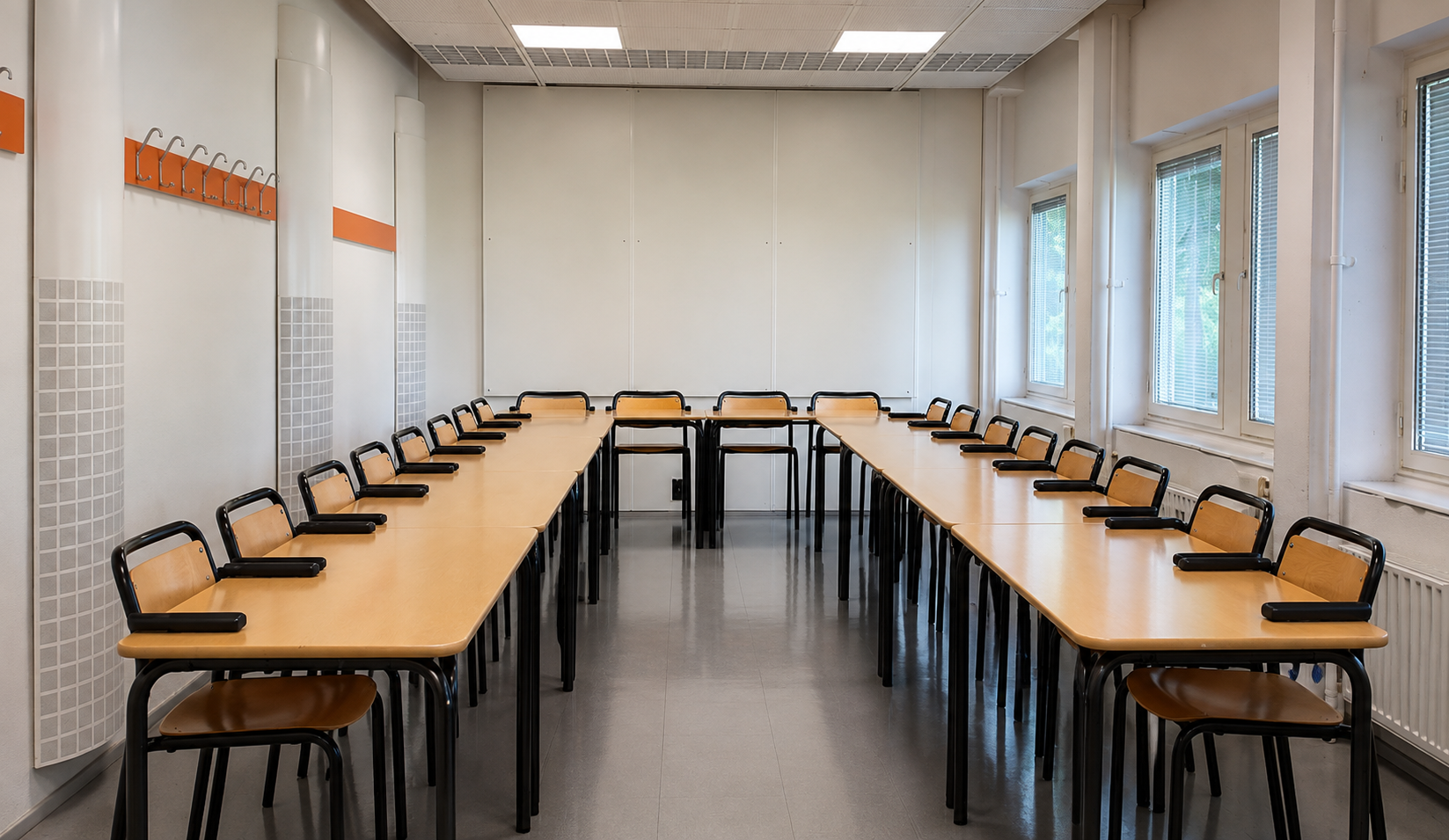 Zoom image
Room with 20 seats. Photo: Stockholm University
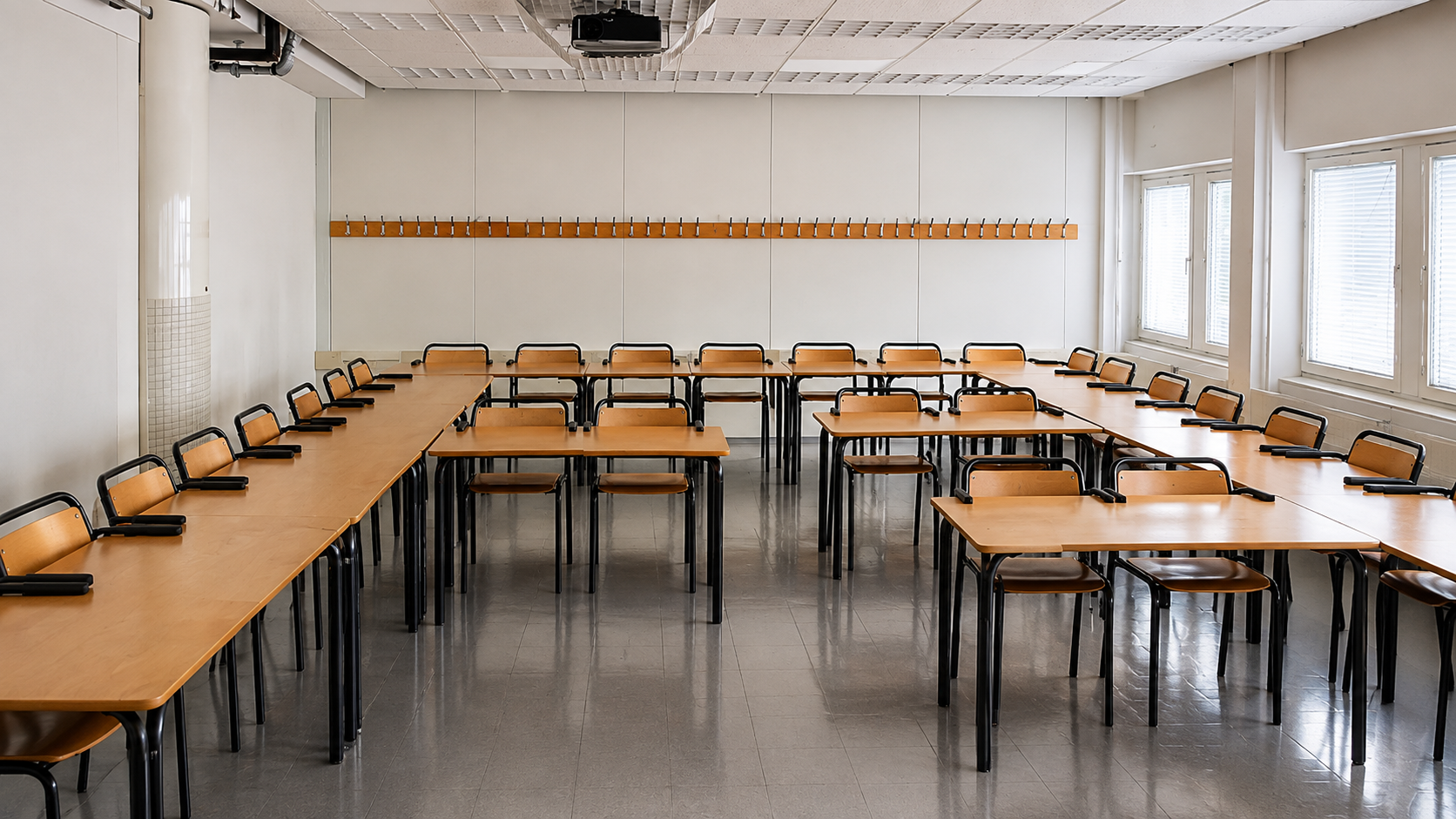 Zoom image
Room with 30 seats. Photo: Stockholm University
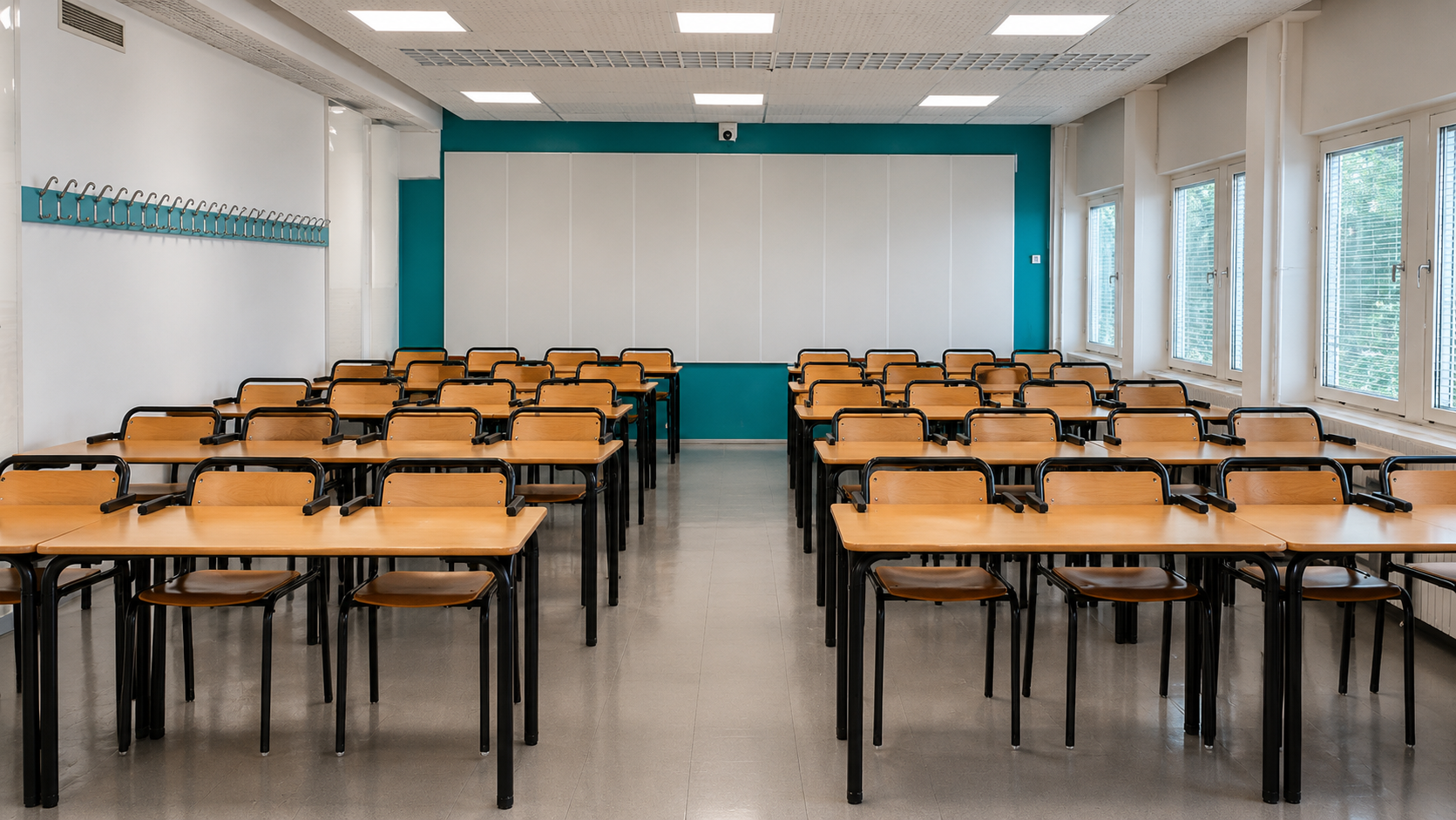 Zoom image
Room with 40 seats. Photo: Stockholm University
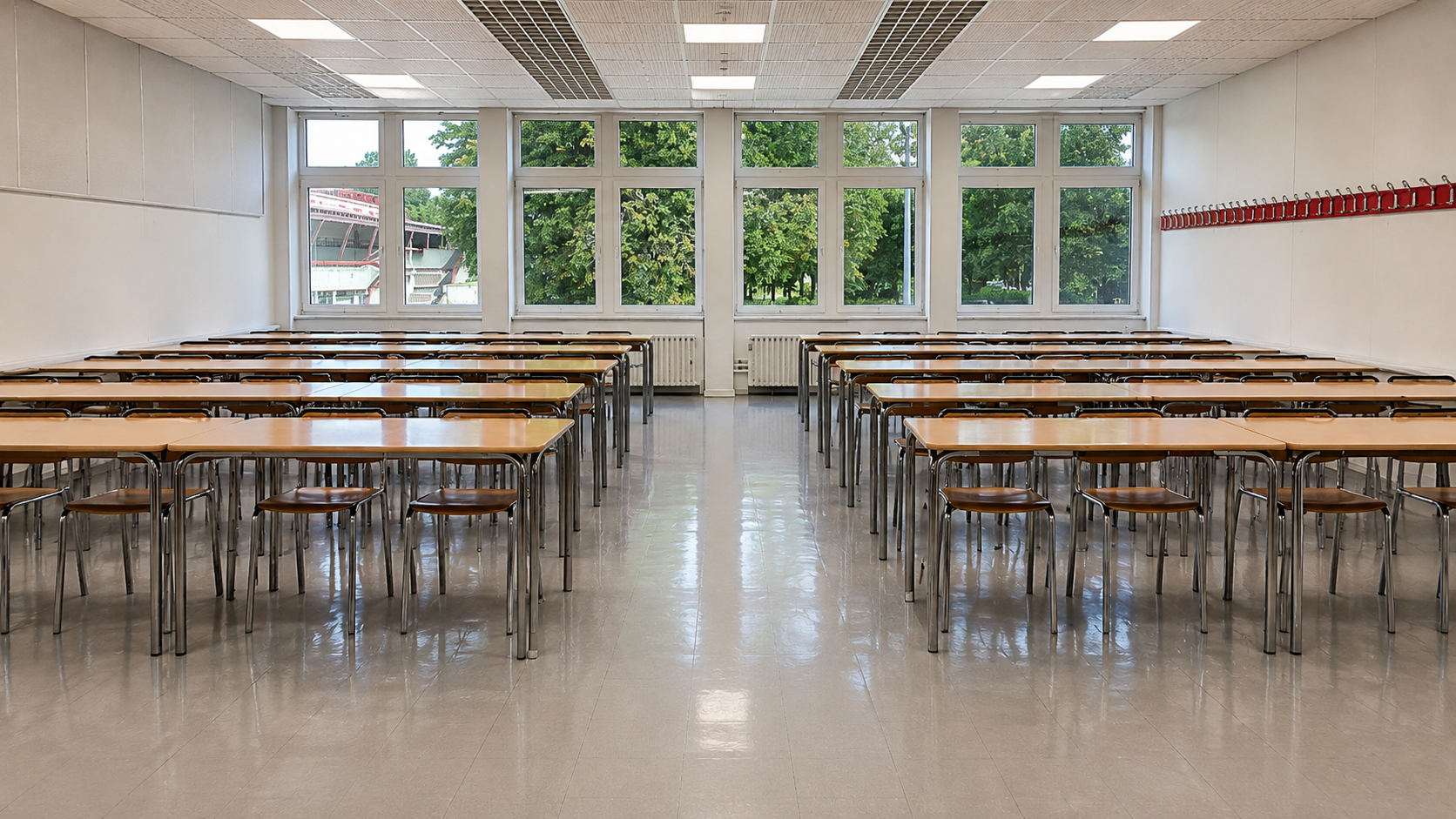 Zoom image
Room with 60 seats. Photo: Stockholm University
Examples from Albano
The images show examples of standard furniture layouts in teaching rooms of different sizes.
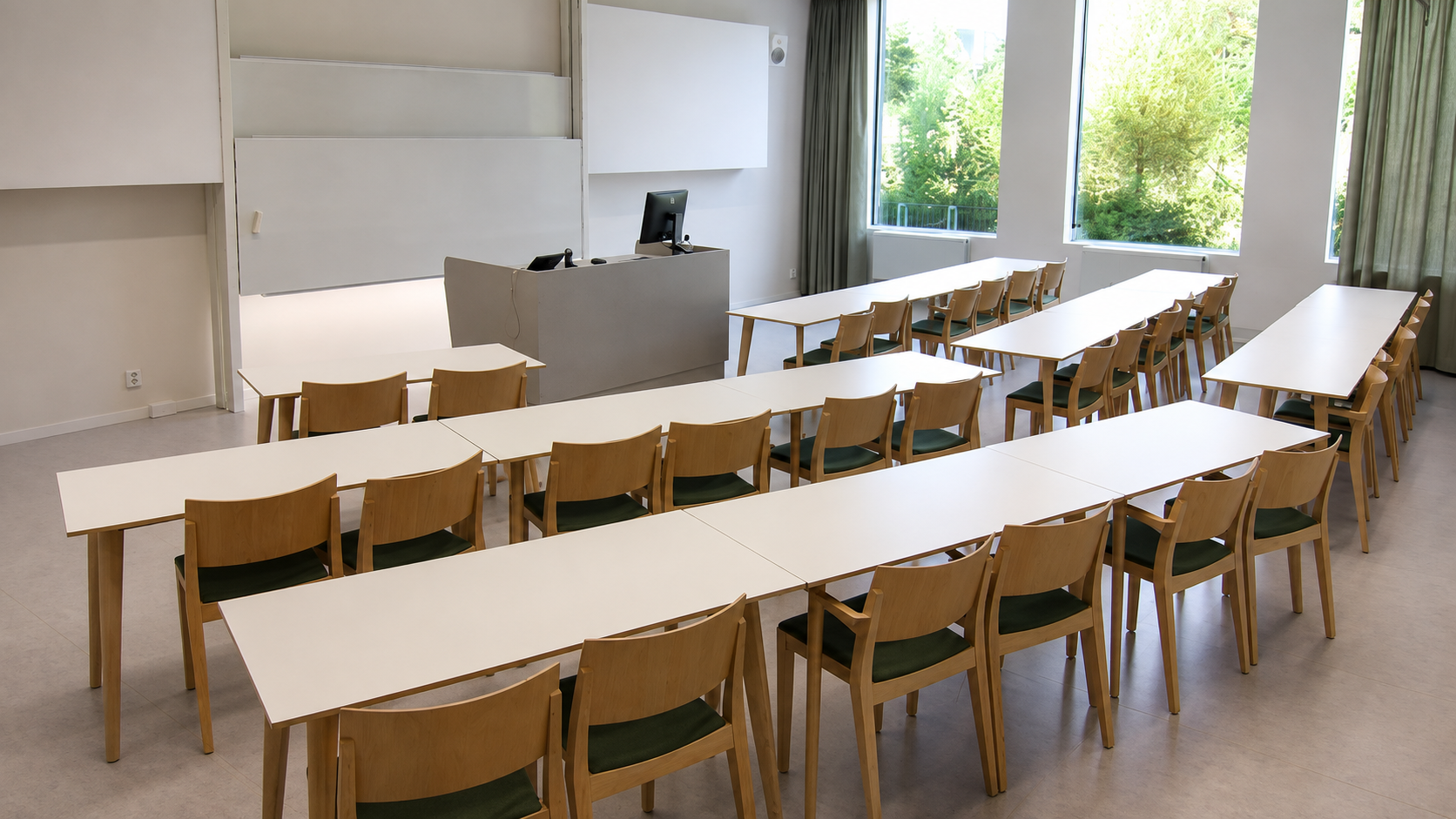 Zoom image
Room with 32 seats. Photo: Stockholm University
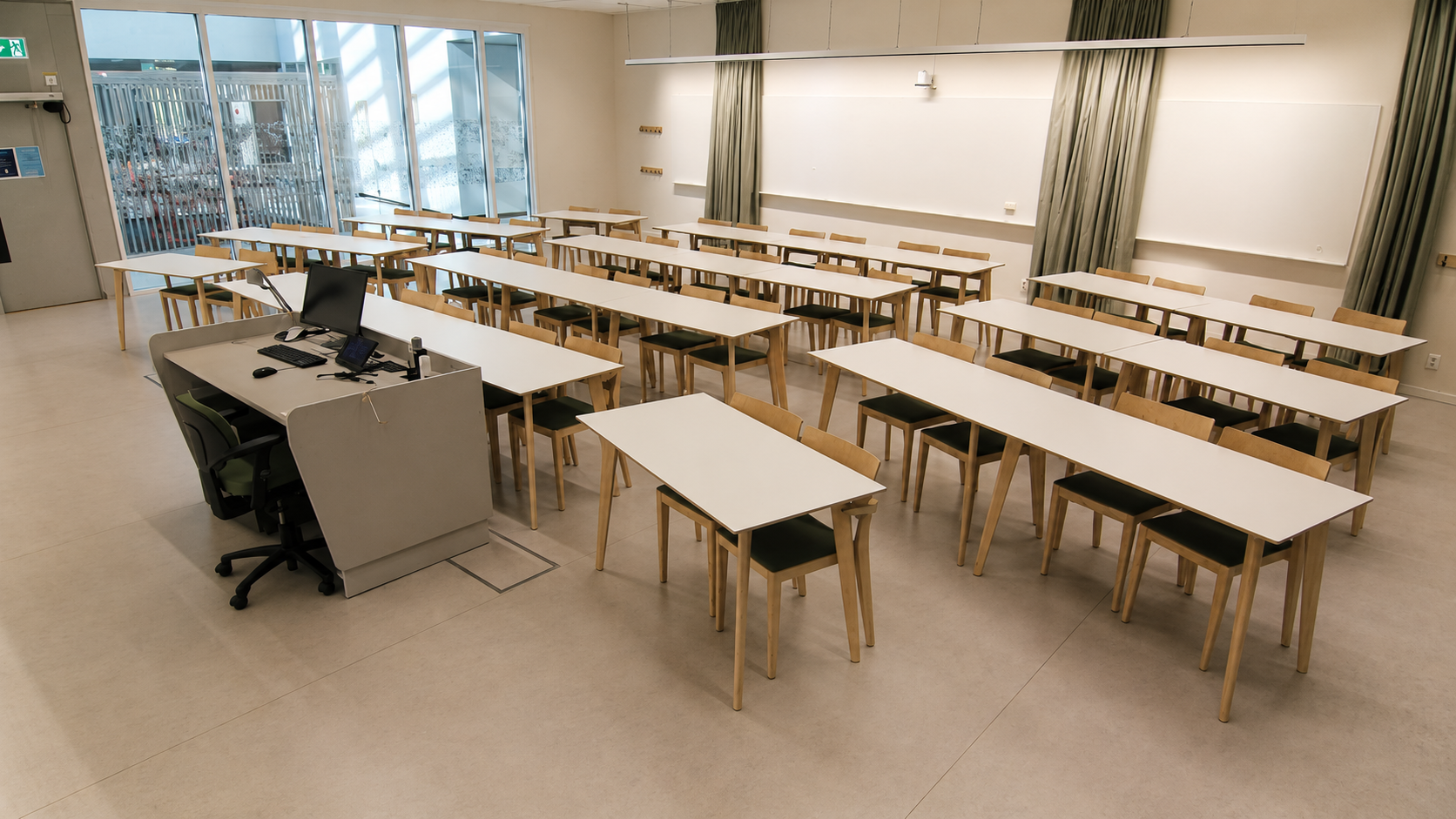 Zoom image
Room with 48 seats. Photo: Stockholm University
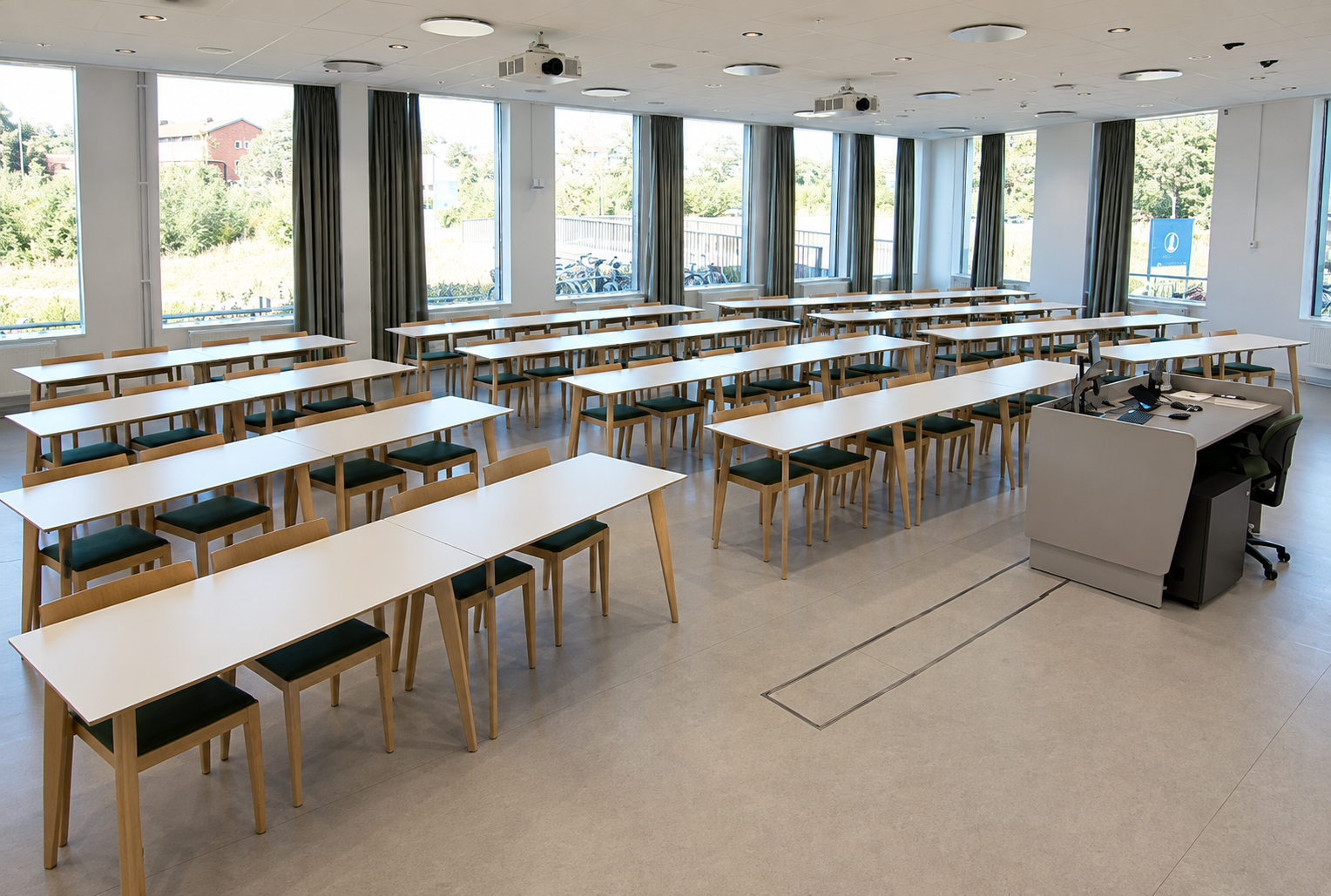 Zoom image
Room with 64 seats. Photo: Stockholm University
Leave the equipment ready for use
Before leaving the room:
- switch off the AV equipment
- log out of the computer
- return microphones and lapel microphones to their chargers.
Report faults
First check whether the problem is already listed among the current service disruptions.
Current service disruptions in teaching rooms
If you discover a fault in the room or its equipment, report it via the Service Portal. A fault report is required so that the problem can be registered and resolved.